Quick Answer
A restaurant menu QR code links to a digital version of your menu that guests view on their phones. Use a static QR code pointing to a page you control, so prices and items can change without reprinting the code. Keep a few paper menus on hand for guests who prefer them.
There’s a vegetarian restaurant we go to often in Northern Virginia, A2B in Herndon. They use QR codes for the menu, and they also use a small fleet of robots to ferry food from the kitchen to the table. The robots started a few years ago carrying side dishes. Now they bring full meals to the booth, navigating around chairs and waitstaff like it’s nothing.
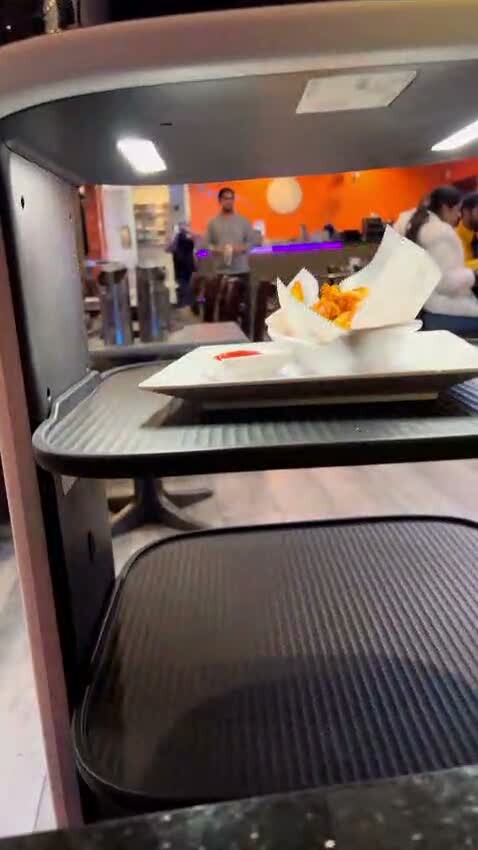
One of A2B’s delivery robots mid-route, a saffron-colored plate balanced on the upper tray. The menu QR code on every table is the boring half of the same automation story.
The menu QR codes are the boring half of that story, but they work, and they explain why so many restaurants kept the COVID-era setup long after the public health reason for it disappeared.
The interesting thing is how many other restaurants set theirs up badly. A code that redirects three times before it loads a PDF last updated in 2022. A code so small it takes three tries to scan. A code that opens an app download page instead of a menu. A code that simply stopped working because the service behind it shut down.
The underlying idea is solid. One sticker on a table that always shows the current menu is cheaper and faster than reprinting laminated sheets every season. The problem is that most restaurants treated this as a technology decision when it is really a hospitality decision.
How a menu QR code actually works
A menu QR code is a link in visual form. The code holds a URL. The guest opens their phone camera, points at the code, and a page opens. That page is your menu, whether it’s a section of your website, a hosted PDF, or a simple online list.
The complexity comes from how the link is created and managed. Some QR codes are designed to be temporary; others are designed to last. Some pass guest data to third parties; others do nothing except open your menu. The difference between a static code and a dynamic one matters more than most owners realize. A static QR code holds the destination directly inside the code. Once you print it, it never changes. A dynamic code points to a redirect run by a service provider, who then forwards the scan to your menu. That redirect is convenient until the provider goes down, raises fees, or changes terms.
For a restaurant menu, the static path almost always wins. The full comparison lives in our guide to static vs dynamic QR codes.
Why permanence matters in a restaurant setting
Restaurants are physical spaces. You print table tents. You engrave signs. You laminate menus. You install wall decals. Once a QR code is printed on any of those surfaces, replacing it is a hassle.
A static QR code pointing to a menu page you control keeps working as long as that page keeps working. There is no monthly bill that, if missed, takes your menu offline. A2B’s QR codes have been on those tables for years and they still work. The page behind the code has changed several times; the code has not.
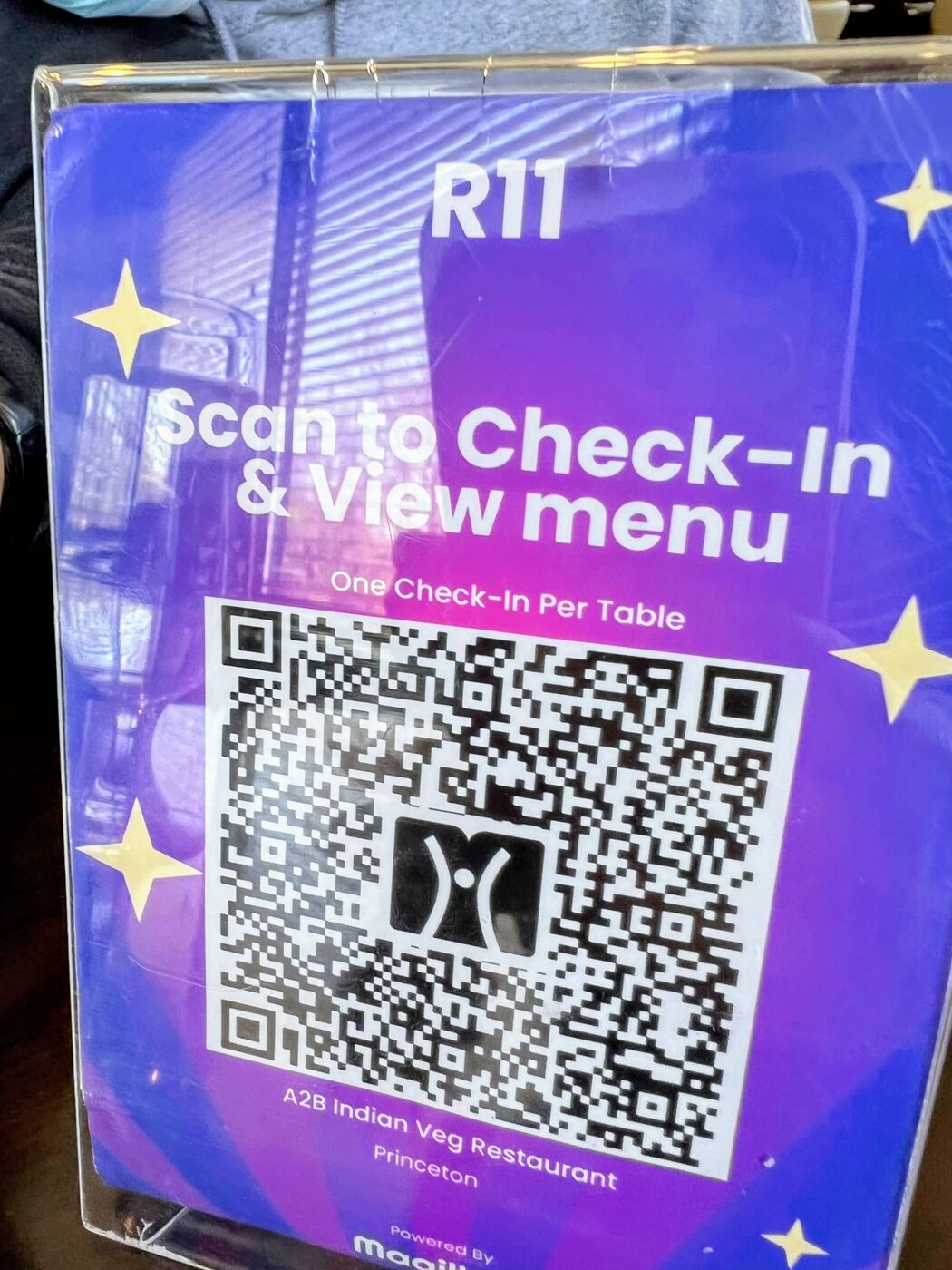
An A2B table card from a recent visit (this one from the Princeton location). One QR code per table, table number labeled, short instruction, no app to download. The same setup runs across their other locations including Herndon.
Designing a menu that works on a phone
A QR code is only as good as the menu it opens. Phone screens are small. Attention is limited. Clarity wins.
The menus that read well on a phone tend to share a few traits. Section headings are clear. Item descriptions are short. Prices sit where the eye lands without scrolling. Allergen information is visible without having to tap. If you use a PDF menu, test it on three different phones before printing, because PDFs that look fine on desktop often force guests to pinch and zoom across every item. Simple HTML pages usually win.
Think of it like reading a menu in dim light. Less clutter helps.
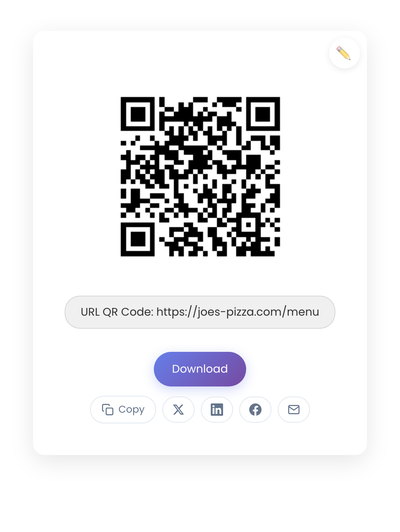
A static QR code holding a menu page URL directly. No middleman service, no subscription that has to stay paid for the printed code on the table to keep working.
What kills a menu QR code
A few mistakes show up at restaurant after restaurant. The most common is printing the code too small. QR codes need contrast and white space to scan reliably; a tiny code on a glossy surface fails often enough that guests give up. Scan it from chair height before committing to a hundred table tents.
Slow or broken destination pages come next. If a menu takes ten seconds to load, the guest gives up and asks for paper. Requiring an app download or a login for a menu thins scans dramatically; guests want food, not a download. And menus overloaded with photos, animations, and popups feel like marketing pages, which is the opposite of what a menu should feel like at a table.
Translation as a quiet bonus
A few years ago I traveled to Spain and France and remember sitting in restaurants holding menus I couldn’t read. A waiter explaining each dish was kind, but slower than scanning a QR code that opens an English version of the menu would have been. Restaurants that serve travelers, or sit near transit hubs and hotels, get a real edge by hosting a multilingual menu behind a single QR code. The code stays the same; the link behind it can route by language or list the menu in multiple languages on one page.
For most restaurants this isn’t necessary. For tourist-heavy ones it’s a small touch that visiting diners remember.
Accessibility and the paper backup
Not every guest wants to use a phone. Some have vision constraints, some have spotty data, some simply prefer paper. A good QR menu setup keeps a small stack of printed menus behind the counter and ensures the digital version has readable type, real contrast, and no essential information locked behind taps.
Hospitality is the goal. The QR code supports service; it doesn’t replace it.
Creating a menu QR code
The process is short:
- Prepare the destination. A page on your website or a hosted PDF works equally well, as long as you can update it.
- Send the menu URL through StackQR and download the result.
- Print it at the right size. A code roughly the size of a small coaster works for table tents.
- Scan it from a guest’s seat under typical lighting before printing the full batch.
Once printed, the code is done. Update the menu page whenever the kitchen does, and the code keeps pointing to the right place. That’s the whole appeal.
The restaurants that get this right treat the QR code as a small permanent fixture, like the salt and pepper shaker. The ones that get it wrong treat it as software, with all the dependencies software brings. The first kind keeps working for years. The second kind eventually breaks.