Quick Answer
A QR code for app downloads encodes a smart link that detects the user’s device and sends them to the correct app store. One code works for both iOS and Android. Static codes are best for printed materials since they never expire and have no service dependencies.
Here’s the problem nobody mentions until you’re standing at the printer. Your app lives in two stores. An iPhone user needs the App Store. An Android user needs Google Play. You can’t put two QR codes on a poster and ask people to guess which one to scan. You also can’t pick one store and ignore half your audience.
The fix is a smart link. One URL that detects the device and routes to the right store automatically, turned into a single QR code. Scan, land on the correct store page, install. The QR code never knows which store the user ended up at, and it doesn’t need to.
How one code routes to two stores
The routing logic doesn’t live in the QR code. It lives at the URL. The QR code holds a URL like yourapp.com/download, and the page at that URL inspects the visitor’s user agent and redirects: iPhone users go to the App Store, Android users go to Google Play. Desktop visitors see both buttons and a short explanation.
That separation is what makes the code work for years. App store URLs occasionally change (especially when apps rebrand or move accounts), but your /download page on your own domain stays stable. The QR code points at your domain. Your domain points at whichever store URL is current.
A side-by-side approach with two QR codes works too, but it forces people to think before scanning and adds visual clutter to materials where you wanted clean. A smart link removes that step entirely.
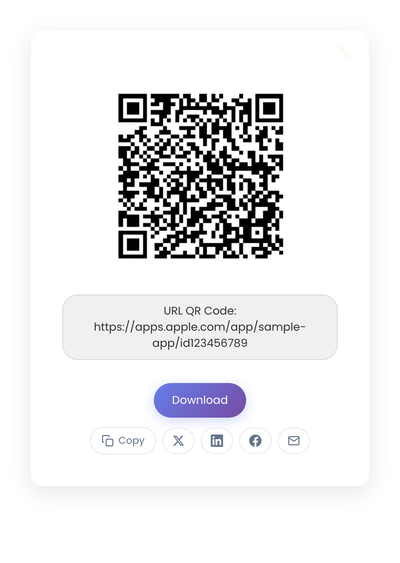
A static QR code pointing to a smart download URL. The code holds your domain’s /download page; the device-detection logic lives on that page.
Static vs dynamic, for app downloads
Static is the right choice for printed materials. The QR code holds the link to your smart-link page directly, so nothing about the code depends on a subscription or third-party service. If your store URLs change, the smart-link page handles it without anyone reprinting anything.
Dynamic QR codes route through a vendor’s redirect, which adds another service that has to stay online for your printed materials to keep working. For app downloads specifically, that’s two dependencies (the QR vendor and the app stores) when one would do. The full static vs dynamic comparison covers the longer reasoning.
Setting up the smart link
The smart-link page is a small piece of plumbing on your own domain. It detects the operating system from the request and redirects accordingly. Three common ways to build it:
- A few lines of JavaScript on a static HTML page (the simplest path for most teams).
- A serverless function that returns a 302 redirect based on the user agent.
- A purpose-built page in your existing site framework.
The page should also handle two edge cases. Desktop visitors should see both app store buttons rather than a confusing redirect, because they can’t install anyway. And users on devices where detection fails (a corporate phone with a custom user agent, a tablet doing something unusual) should see a fallback page with both options listed.
Once the page exists, it stays. App store URLs can move; the page handles it. The QR code never needs to be reprinted because of an app-side change.
Creating the QR code
- StackQR turns your smart download link into a code that fits on packaging, in-store displays, or banner ads.
- Download SVG for print or PNG for screens.
- Label it clearly: “Scan to download the app.”
- Test on iPhone and Android before printing.
Scan from a few feet away during testing too, so you know the size will still work on a printed poster.
Where the code goes
Packaging is the highest-value placement, because the buyer already owns something tied to your brand. A QR code on the box or insert reaches them when they have time to install.
Counters and checkout areas work for loyalty apps; customers scan while waiting to pay.
Posters and signage work in waiting areas, lobbies, and storefront windows where dwell time is real.
Event booths reduce the need for verbal instructions during demos; a banner with the QR code and “Scan to install” handles the most common conversation by itself.
Presentation slides and PDF manuals are the digital equivalent. A QR code on the final slide lets attendees install immediately rather than promising to look it up later.
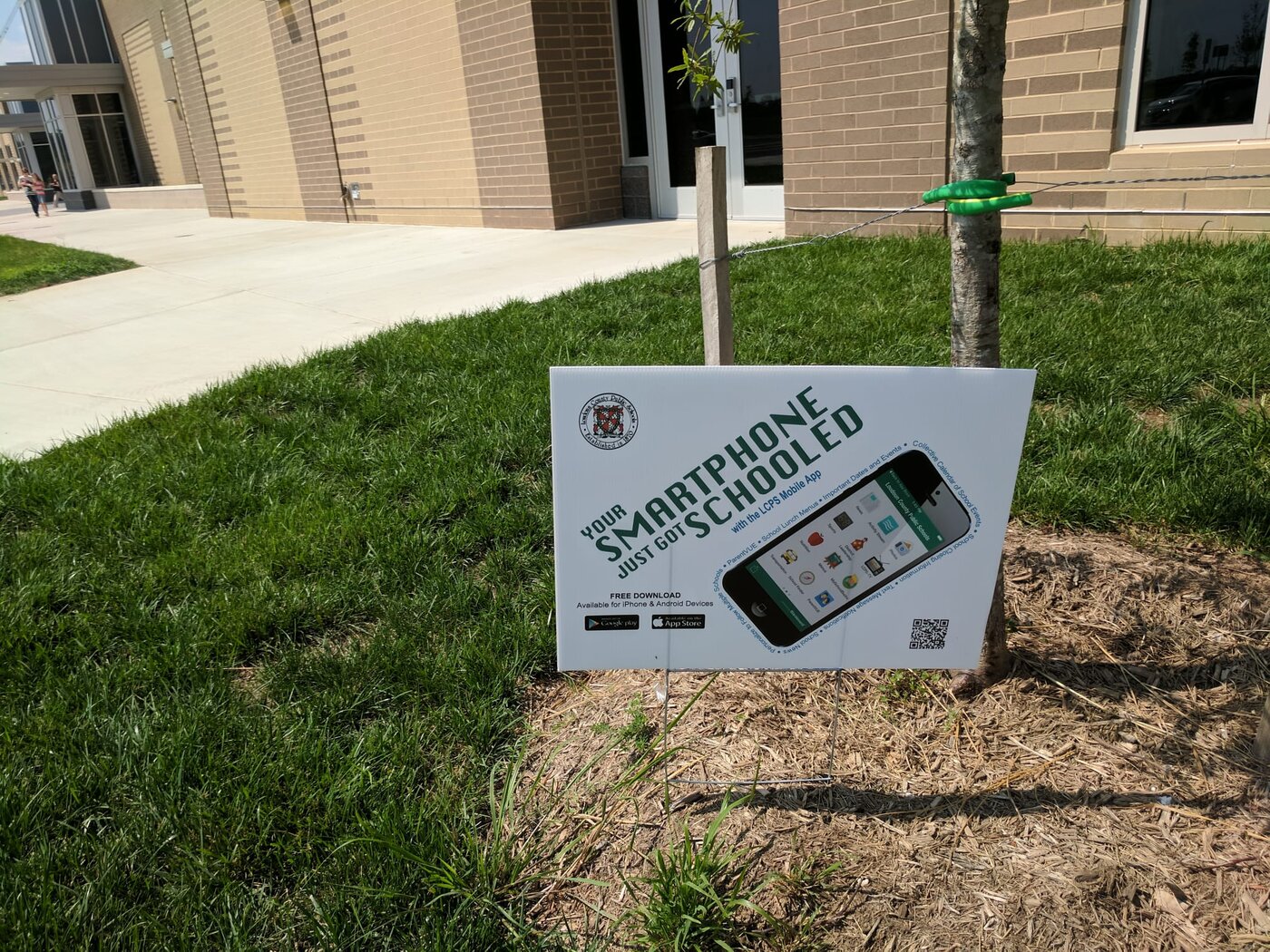
An outdoor sign at a school promoting their app download. The phone graphic is the recognizable cue; the QR code is the action; the surrounding context is what makes anyone scan.
The placements that don’t work are predictable: too high or too low for comfortable scanning, low contrast against the background, tiny codes that need precise scanning, and codes on moving objects.
Where app-download codes lose installs
A few mistakes show up over and over.
Linking the QR code directly to one app store. Android (or iPhone) users hit a dead end. Always route through your own smart-link page.
Using a third-party smart-link service that requires a subscription. The QR code may outlive the subscription, leaving you with broken printed materials and a sudden renewal bill.
No label near the code. “Scan to download the app” removes the small hesitation moment that loses half of casual scans.
Skipping the printed test. Ink density, paper finish, and ambient lighting all affect scan behavior in ways the screen preview can’t predict. Scan the proof on at least two phones before committing to a print run.
Tracking, if you want it
QR codes themselves don’t report data. Any tracking happens at the link or page level. If you want to measure installs, the standard tools work: page-level analytics on your smart-link page to count scans, then app store dashboards to count installs and attribute by source. That gives you the same signal as a third-party QR tracking layer without adding another service that can break.
For most teams, app store install analytics combined with simple page hits are enough. The fewer layers, the fewer things that can go wrong on the long road from a sticker on a box to a finished install months later.
A smart link plus a static QR code is a print-once, forget-forever setup. The hard part is choosing a stable URL on a domain you control. Everything else is just testing.